

When I started blogging, I thought plugins were optional. Like, “eh, I’ll just write posts and Google will magically love me.” Spoiler: that didn’t happen. My site was slow, I had no clue how to do SEO, and I definitely didn’t know how to make it look good without breaking stuff.
That’s where plugins come in. Think of them like cheat codes for your blog. WordPress gives you the base game, but plugins unlock all the cool upgrades: speed, security, SEO, design, analytics, even hiding those ugly affiliate links so they look clean. Basically, plugins save your butt.
But here’s the problem: there are over 60,000 plugins. That’s like walking into Costco hungry — everything looks good, and you end up with way too much. Some plugins are life savers. Others are bloatware that slow your site to a crawl. And some? They’re just pointless.
Choosing the best WordPress plugins for bloggers in 2025 can feel overwhelming, but the truth is you only need a handful to see real results.
So how do you know which ones are worth it? That’s what I’m covering in this post. I’ve tested a bunch, kept the ones that actually help, and cut the fluff. This list is the best WordPress plugins for bloggers in 2025 — the ones that will actually make your blog easier to run.
These aren’t just “nice-to-have” — they’re the must-have WordPress plugins for bloggers 2025. If you want your site to grow, stay secure, and not stress you out. Whether you’re starting your first blog or trying to take your site to the next level, these plugins are the real MVPs.
Why Plugins Matter for Bloggers
When you first install WordPress, it’s kind of like buying a new phone. It works out of the box — you can make calls, send texts, and maybe take a few selfies. But if you actually want to do cool stuff? You download apps. Same thing with blogging: WordPress is solid, but plugins turn it into a powerhouse.
So why do plugins matter? Because they do the jobs you don’t want to do (or don’t even know how to do). Things like:
- SEO: Without plugins, you’d be hand-coding meta tags and XML sitemaps. Sounds fun, right? Nope. Plugins like Rank Math handle that in a few clicks.
- Speed: A slow blog is like a slow cashier — people bounce. Performance plugins keep your site moving so readers don’t rage quit.
- Security: Hackers love easy targets. Security plugins are like putting a lock on your front door instead of leaving it wide open with a “please rob me” sign.
- Design: Want a blog that looks like more than a Word document? Design plugins help you customize without learning to code.
- Analytics: You need to know what’s working. Analytics plugins track traffic and show which posts are winning (and which are flopping).
Without these tools, you’d spend hours fixing things manually — that’s why they’re truly the essential WordPress plugins for blogging.
Now, let’s be real: you don’t need 100 plugins. More isn’t better. In fact, too many plugins can slow your site down and cause conflicts. It’s like adding too many toppings to a pizza — at some point, it’s a mess
That’s why I built this guide. Instead of wasting time with random installs, I’ve narrowed it down to the essential WordPress plugins for blogging that actually move the needle. The ones that make your blog faster, safer, and easier to grow. The ones that don’t just look good in your dashboard but actually help you get results.
Here’s the kicker: the best WordPress plugins for bloggers in 2025 aren’t about chasing every shiny new tool. They’re about picking the few that solve real problems and let you focus on what actually matters — creating content and making money.
So before you go plugin-happy, take a breath. You don’t need a plugin for making toast or changing your background color every 5 minutes. Stick to the essentials, keep your blog lean, and you’ll save yourself a ton of headaches.
The reason I highlight the best WordPress plugins for bloggers in 2025 is because they let you focus on creating content instead of stressing about tech.
1. Rank Math (SEO Superpower)
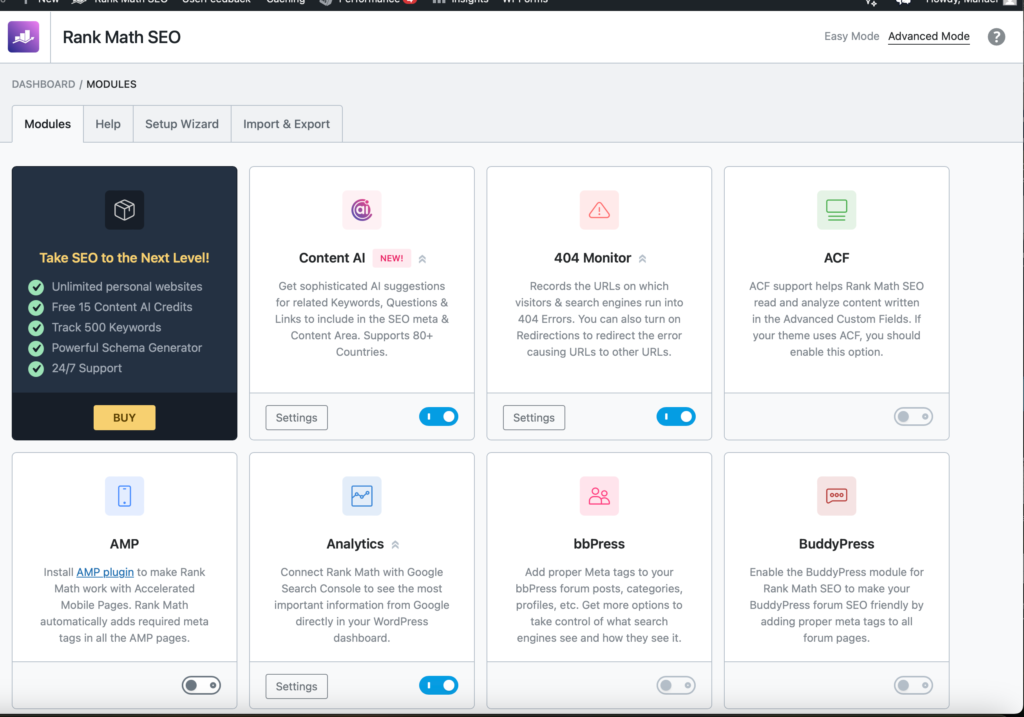
If your blog was a car, Rank Math would be the GPS. You could technically drive without it, but you’d probably end up lost in the middle of nowhere. Rank Math helps you with SEO — titles, meta descriptions, sitemaps, keyword analysis — all the stuff that makes Google actually notice your blog.
Why it’s awesome: it tells you exactly what to fix in your posts. Forgot to add your keyword in a heading? Rank Math will call you out. Missing alt text on your image? It’ll nudge you. It’s like having a coach who really wants you to win at blogging.
There are other SEO plugins (like Yoast), but Rank Math is lighter, easier to use, and way more beginner-friendly. Plus, it gives you features for free that others lock behind a paywall. Rank Math has become one of the most popular SEO plugins according to WordPress.org.
Want to try it? Download Rank Math here (affiliate link) — it’s free to start, and upgrading unlocks even more SEO features.
2. WP Rocket (Site Speed Booster)
Nothing kills a blog faster than a slow-loading site. People click, they wait two seconds, and boom — they’re gone. WP Rocket fixes that by caching your site (basically storing a ready-to-go version so it loads faster).
Why it’s awesome: it’s beginner-proof. A lot of speed plugins make you mess with confusing settings. WP Rocket? You install it, turn it on, and boom — your blog is instantly faster.
It also helps with lazy loading (images load only when someone scrolls), database cleanup, and other nerdy stuff you don’t have time for. Think of it as the coffee for your blog — it makes everything run smoother and faster.
Sure, there are free options like W3 Total Cache, but WP Rocket is the one speed plugin I’d actually pay for because it works without breaking things. If you’ve ever wondered how caching actually works, this guide on WordPress caching explains it in plain English.
For speed alone, WP Rocket deserves to be called one of the best WordPress plugins for bloggers in 2025 because nobody sticks around on a slow site.
I use it myself and recommend it to every new blogger. Grab WP Rocket here (affiliate link) to make your site load faster today.
That’s why WP Rocket deserves a spot among the top WordPress plugins for beginners 2025 who care about site speed.
3. Wordfence (Security)
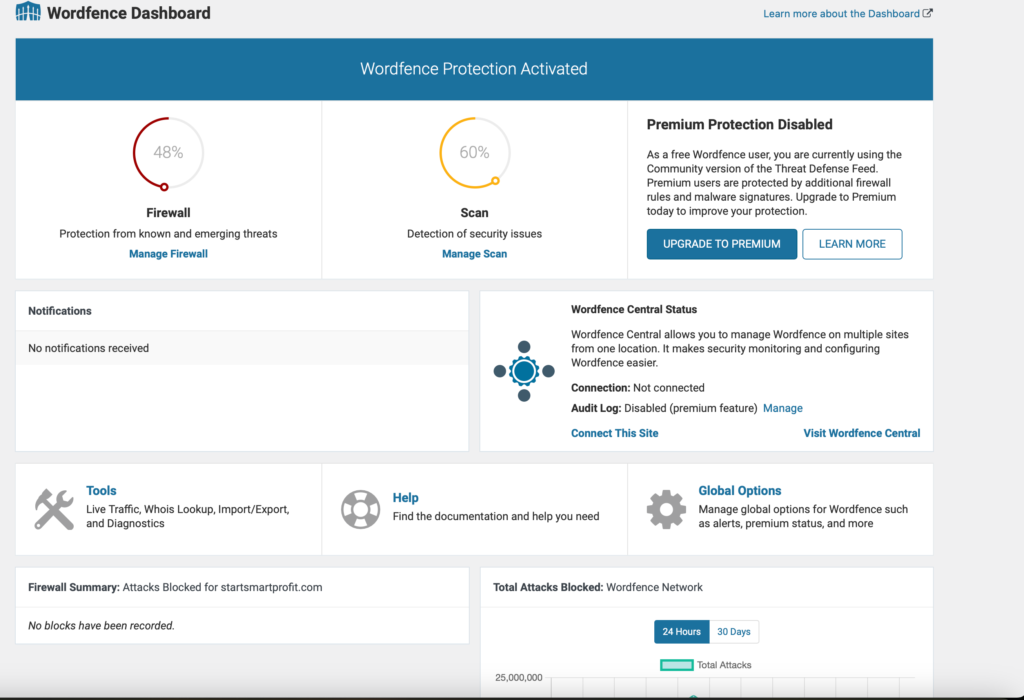
Hackers love easy targets. If your blog doesn’t have security, it’s basically like leaving your house unlocked with a neon sign that says “Free Stuff Inside.” Wordfence solves that by blocking brute force attacks, monitoring suspicious traffic, and keeping your site safe.
When it comes to protecting your hard work, Wordfence is hands down one of the best WordPress plugins for bloggers in 2025 for peace of mind.
Why it’s awesome: it’s easy to set up, runs in the background, and gives you peace of mind. You don’t need to be a security expert — Wordfence does the heavy lifting.
Want to go deeper on protecting your site? WordPress has its own hardening security guide that’s worth a quick read.
Don’t risk it — get Wordfence here (affiliate link) and keep your blog safe from attacks.
4. MonsterInsights (Analytics Without Headaches)
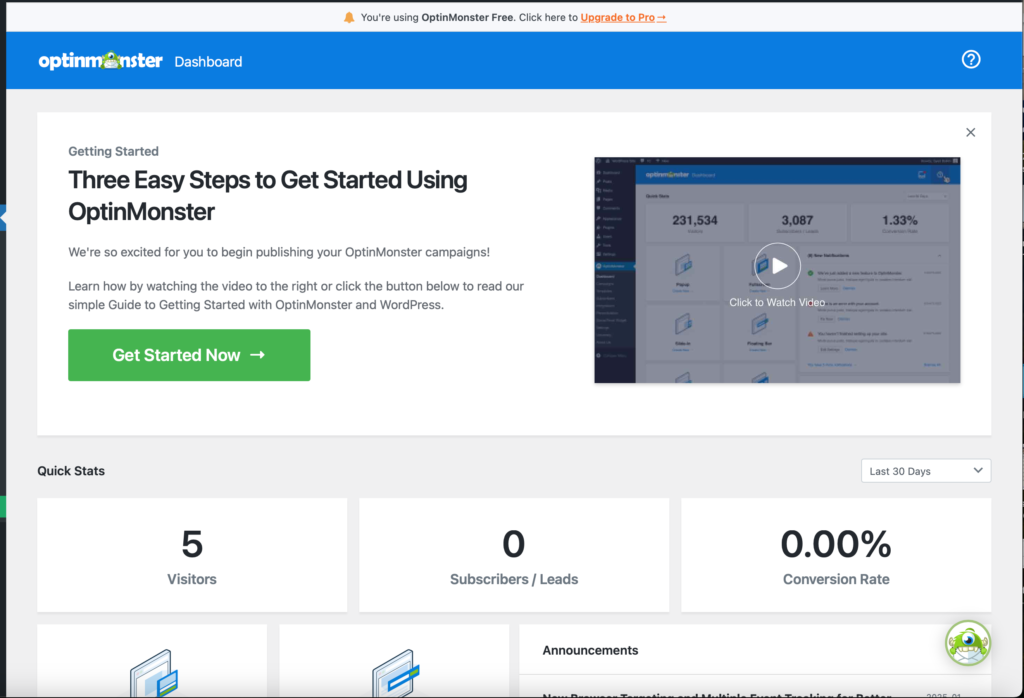
Tracking your blog traffic with raw Google Analytics is like trying to read the Matrix. MonsterInsights fixes that by showing you easy-to-read reports right inside WordPress.
Why it’s awesome: you can see which posts get traffic, where your visitors come from, and which affiliate links are actually making money. No coding, no spreadsheets, just clear info you can use to grow.
There’s even a free version, making it one of the best free WordPress plugins for bloggers who want analytics without stress.
If you’re not sure what you should even track, this beginner’s guide to blog analytics explains it in plain English.
Ready to track your blog growth without losing your mind? Get MonsterInsights here (affiliate link).
If you care about making smart decisions with your blog, MonsterInsights belongs on every list of the best WordPress plugins for bloggers in 2025.
5. Elementor (Design Without Coding)
Want your blog to look professional without touching a single line of code? Elementor is the answer. It’s a drag-and-drop builder that lets you create beautiful layouts in minutes.
Why it’s awesome: you can design pages that don’t look like a boring school essay. Add columns, buttons, images, and sections exactly where you want them. It’s like playing with Lego — except instead of a spaceship, you’re building your blog.
Bloggers who want design freedom without coding always put Elementor in their lineup of the best WordPress plugins for bloggers in 2025.
Need proof? Check out Elementor’s showcase gallery to see what bloggers have built with it.
Want drag-and-drop design with zero coding? Try Elementor here (affiliate link).
Elementor isn’t just powerful — it’s also one of the top WordPress plugins for beginners 2025 who want design freedom without coding.
6. GetResponse (Email Marketing That Grows With You)
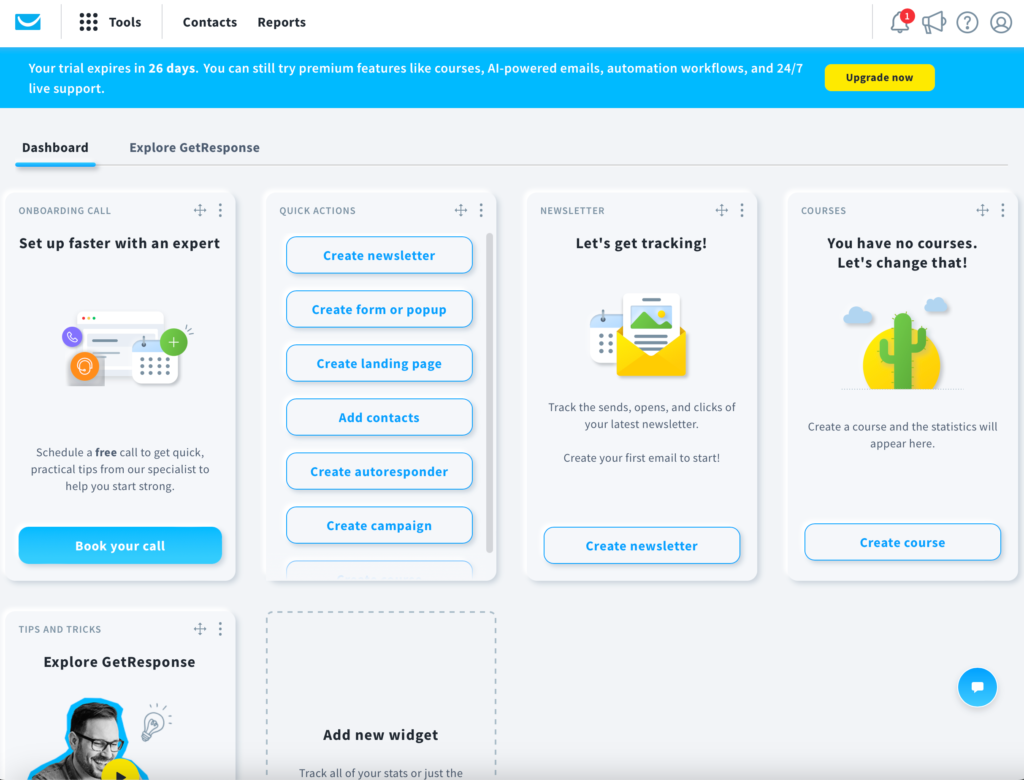
If you’re not collecting emails, you’re leaving money on the table. Social media followers can disappear overnight, but your email list is yours forever. That’s where GetResponse comes in.
Why it’s awesome: it’s beginner-friendly, has ready-to-go templates, and even lets you set up automations without needing a degree in tech. You can send newsletters, promote new blog posts, or even launch a course later.
If you’re curious why email lists matter so much, this guide on why every blogger needs an email list explains it perfectly. Email marketing is still one of the fastest ways to grow, which is why GetResponse is included in my best WordPress plugins for bloggers in 2025 list.
I recommend GetResponse (affiliate link) because it’s easy to start with and scales when your audience grows.
While it’s not free forever, the trial period makes it feel like one of the best free WordPress plugins for bloggers to start building an email list.
7. Pretty Links (Make Your Affiliate Links Look Clean)
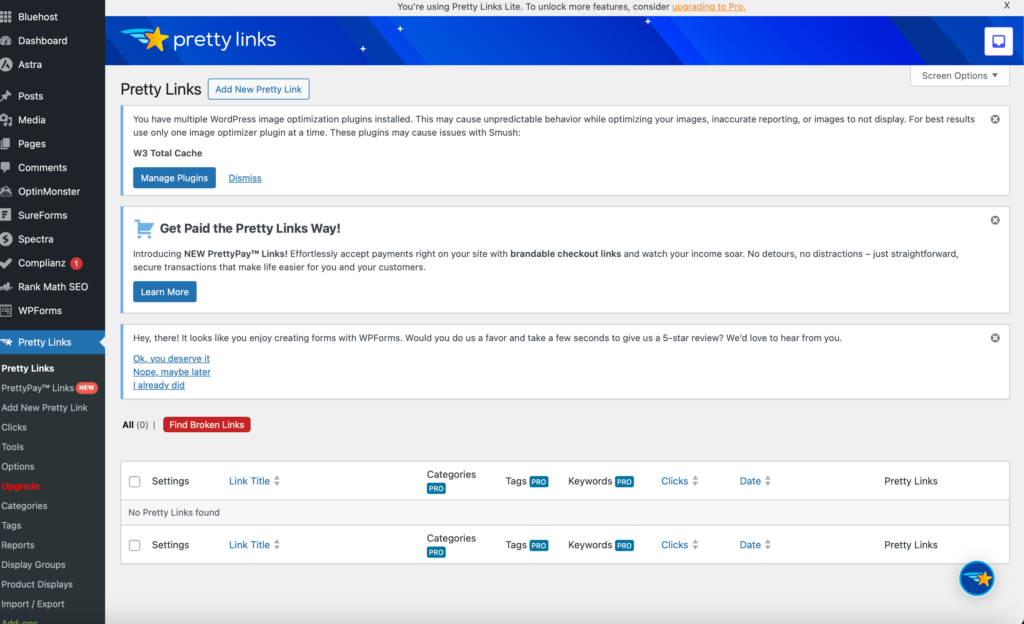
Nobody wants to click on a giant, messy URL like https://randomcompany.com/product/affiliateid=49382. Pretty Links cleans up your affiliate links and lets you track clicks. So instead of that monster link, you get yoursite.com/go/toolname. Much nicer.
Why it’s awesome: it makes your site look more professional, it’s easier to remember, and it gives you data on which links actually get clicked.
I use Pretty Links (affiliate link) on my own site to make affiliate links look professional (and track clicks).
How to Choose the Right Plugins (Beginner Tips)
Here’s the truth: more plugins ≠ better. Having 40+ plugins doesn’t make you a power user — it makes your site slower than dial-up internet. The goal is to keep things lean.
Here are a few simple rules I follow:
- Start with the essentials → SEO, speed, security, analytics. These are your foundation.
- Install only what you actually use → Don’t download a plugin “just in case.” That’s like buying gym equipment and never working out.
- Check reviews and updates → A plugin that hasn’t been updated in 3 years is a red flag. Outdated plugins are like expired milk — throw them out.
- Don’t be afraid to delete → If you install something and never use it, remove it. Clutter slows everything down.
Bottom line: stick to the essential WordPress plugins for blogging, and you’ll save yourself a ton of headaches.
Common Mistakes with Plugins

I’ve seen beginners (and yes, me too) make the same plugin mistakes over and over. Here are the big ones to avoid if you want your site to run smooth and not give you gray hairs:
- Installing too many → More plugins = more problems. Your site speed tanks, and conflicts happen. Don’t treat your WordPress dashboard like an app store free-for-all.
- Ignoring updates → An outdated plugin is like leaving your front door unlocked. Hackers love it. Updates aren’t optional — they patch security holes and keep everything running.
- Chasing shiny objects → Every week, there’s a new “game-changing plugin.” Truth is, 90% of them won’t move the needle. Stick to the proven tools like the best WordPress plugins for bloggers in 2025 instead of trying every new thing.
- No testing → Always test after installing something new. If your site suddenly breaks, you’ll know the culprit. Install one at a time so you can track what caused the issue.
- Overlapping features → Big mistake I see often: installing three different SEO plugins or two caching plugins. They fight with each other and slow everything down. Pick one tool per job.
- Skipping backups → Imagine installing a plugin, your site breaks, and you don’t have a backup. Ouch. Always keep a backup plugin or hosting backup ready just in case.
Don’t overcomplicate it. The best WordPress plugins for bloggers in 2025 are the ones that solve problems — not the ones that make your dashboard look “full.” Keep it simple, keep it updated, and your blog will thank you.
Avoiding plugin overload and sticking to the essential WordPress plugins for blogging keeps your site lean and easy to manage.
Conclusion
Plugins can feel overwhelming at first, but once you know which ones actually matter, blogging gets a whole lot easier. Think of them like your blogging toolkit: SEO, speed, security, analytics, design, email — all covered when you use the right tools.
The key is not to overload your site. You don’t need 40 plugins to succeed. You just need the essentials. Start with Rank Math, WP Rocket, Wordfence, and MonsterInsights. When you’re ready to level up, add Elementor for design, GetResponse for email, and Pretty Links to manage your affiliate links. These are the best WordPress plugins for bloggers in 2025 because they actually solve problems instead of creating them.
Stick with the must-have WordPress plugins for bloggers 2025, and you’ll avoid wasting time on tools that don’t actually help.
Here’s the truth: blogging isn’t about who has the fanciest setup. It’s about who sticks with it. Plugins help, but your content is what keeps readers coming back. If you focus on writing posts that help people and use plugins to make your site faster, safer, and easier to navigate, you’re already ahead of most beginners.
Want the next step? Check out my full guide on How to Start a Blog and Make Money in 2025. It’ll walk you through everything from picking your niche to writing your first post — and yes, it shows exactly how to tie these plugins into a blog that actually makes money.
At the end of the day, using the best WordPress plugins for bloggers in 2025 will save you time, money, and a ton of stress as you grow. So don’t stress about perfection. Install the essentials, skip the junk, and keep writing. Your blog doesn’t need to be perfect — it just needs to be alive.